Integrating Barcode Scanners with Web Apps: Four Approaches and When Each One Fails
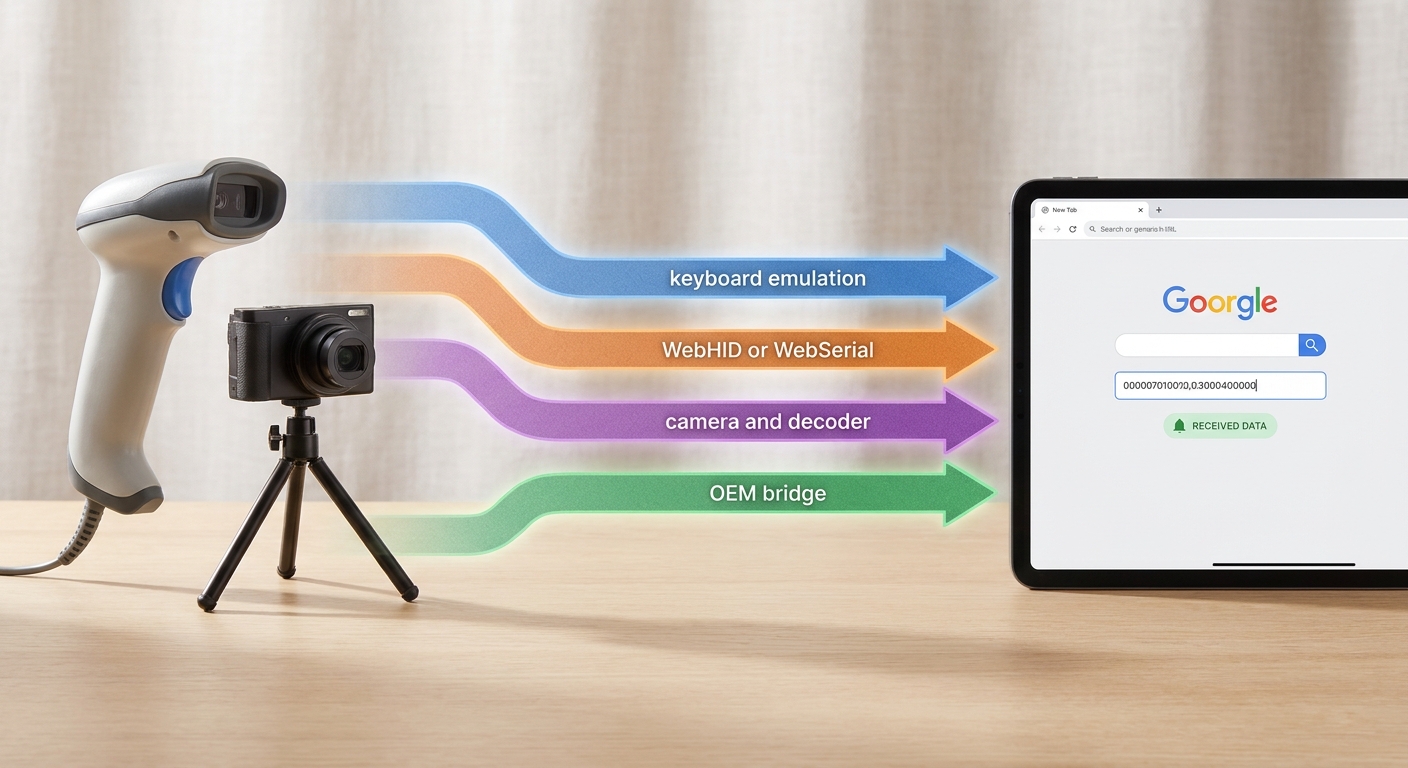
Four patterns move barcode data into a browser app: keyboard wedge emulation, which works everywhere; WebHID or WebSerial, which delivers direct device events in Chromium; in-browser camera scanning for mobile and low-volume use; and OEM bridges on rugged Android terminals. The hard part is rarely the decode. It is input focus, telling a scan apart from human typing, and keyboard layout corruption.
Key takeaways
- A standard USB or Bluetooth scanner appears to the operating system as a generic keyboard. The browser has no awareness of the hardware unless you use WebHID or WebUSB.
- Timing separates scanners from people. Scanners emit characters in bursts of roughly 1 to 30 milliseconds. Humans type at intervals of roughly 80 to 250 milliseconds.
- Programming a prefix and suffix into the scanner's firmware removes timing ambiguity and beats timing heuristics on their own.
- Camera scanning is the most portable option and the least robust one in industrial conditions.
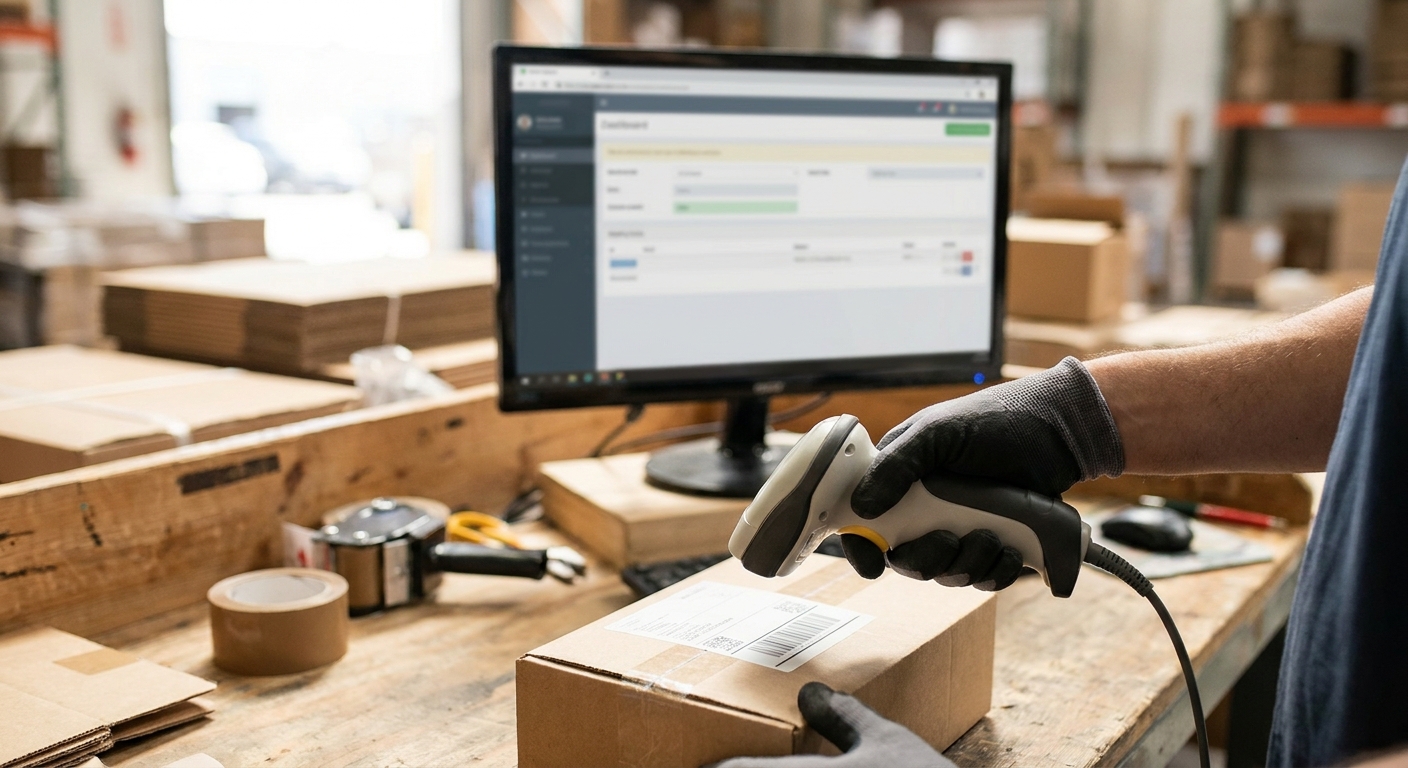
Why the browser cannot see your scanner
A scanner that reads cleanly on a developer's laptop can produce Thai characters instead of digits on the factory PC two floors away. The code is fine. The scanner is fine. The bug lives in an operating system setting, and it only shows up after deployment.
That failure makes sense once you accept the governing fact: to a standard browser, a USB barcode scanner is a keyboard typing very fast.
A standard USB or Bluetooth scanner operates as a human interface device keyboard. It decodes the symbology in its own firmware, then streams the result into the computer as keystrokes, usually followed by a terminator such as the enter key. No driver. No permission prompt. No device API.
That is why keyboard emulation works on every operating system and every browser without a line of integration code. It is also why the approach is brittle. The browser has no idea the hardware exists unless you explicitly introduce it through WebHID or WebUSB.
The four integration patterns compared
| Approach | How it works | Hardware needed | Browser support | Best fit |
|---|---|---|---|---|
| Keyboard wedge | Emulates a keyboard, streaming decoded text as fast keystrokes | Any USB or Bluetooth scanner | Universal across browsers and operating systems | Desk stations, inventory lookups, fast deployments |
| WebHID / WebSerial | Raw device communication through Chromium device APIs | Scanners switched to HID POS or USB-COM mode | Chromium only (Chrome, Edge) | Factory kiosks and POS systems where focus loss is unacceptable |
| Camera scanning | Captures video via getUserMedia and decodes frames |
Smartphone, tablet or webcam | Modern browsers, HTTPS required | Occasional audits, delivery drivers, low scan frequency |
| OEM bridges | Device services dispatch intent broadcasts or JavaScript callbacks | Rugged Android terminals such as Zebra or Honeywell | Standard Android browser or hybrid PWA wrapper | High-intensity warehouse picking, rugged production lines |
Keyboard wedge costs nothing to integrate and depends entirely on the right input field holding focus. That single dependency causes most of the support tickets.
WebHID and WebSerial sidestep focus altogether by delivering device events straight to your JavaScript. The trade-offs are concrete: Chromium only, a user gesture required to call navigator.hid.requestDevice(), and the scanner has to be switched out of keyboard mode into HID POS mode first.
Camera scanning feeds video frames from getUserMedia to a decoder and needs a secure HTTPS context. The native BarcodeDetector API is available in Chromium browsers, so Safari and Firefox deployments generally fall back to a WebAssembly decoder such as ZXing.
OEM bridges use device-level software on the terminal to capture the scan before the browser sees it, then hand it over as keystrokes or as an intent your WebView wrapper listens for.
The focus trap and how to handle it
Keyboard wedge scanning breaks the moment an operator clicks outside the target input. Table whitespace, a dismissed modal, an accidental tap on a heading: the scan goes nowhere, or worse, fires a keyboard shortcut nobody expected.
The usual fix is a global listener. Rather than trusting an input to hold focus, attach a keydown handler to document or window and capture everything.
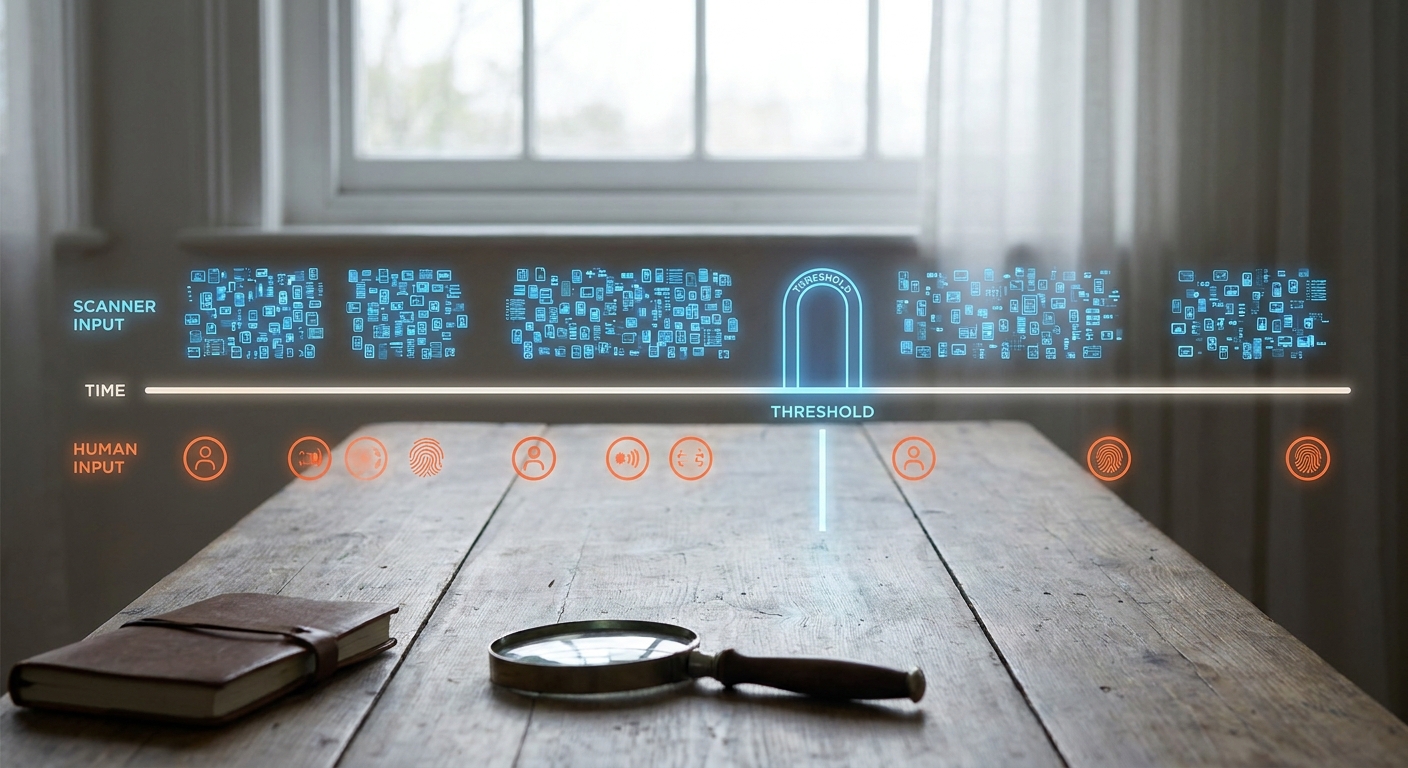
That raises the obvious question of how to tell a scan from someone typing. Timing answers it. Hardware scanners transmit characters in tight bursts, roughly 1 to 30 milliseconds apart, so a full 13-character EAN arrives in well under a tenth of a second. People are far slower, somewhere around 80 to 250 milliseconds per character. Track the interval between key events, buffer characters arriving closer than about 30 milliseconds, and flush the buffer once the gap passes a soft threshold near 50 milliseconds.
Treat those numbers as starting points, not constants. Scanner models, USB polling and browser event handling all shift the real figures, so calibrate against the hardware you are actually deploying.
There is a better fix, and it is cheap. Configure the scanner firmware to wrap every payload in a non-printable prefix and suffix, commonly STX and ETX, or a carriage return as the terminator. The application then knows exactly where a scan starts and ends, with no heuristic involved. The cost is one configuration barcode per device during setup.
If focus loss is genuinely intolerable and you control the browser, escalate to WebHID instead of managing the problem. Open-source helpers exist for this, including Niels Leenheer's webhid-barcode-scanner library, which handles scanners running in HID POS mode.
Why your scans come out as Thai or German characters
Scanners emit raw key codes, not finished text. The operating system maps those key codes through whatever input locale is active, and the browser receives the translated characters.
Scan a numeric barcode on a Thai Kedmanee layout and the digits can arrive as Thai characters. AZERTY and QWERTZ corrupt the data differently, but they corrupt it all the same. Lookups fail, records do not match, and the logs show input nobody recognises.
The reason it survives testing is mundane. The developer's machine runs US English. The machine on the line does not.
Three fixes, in rough order of how completely they remove the problem:
- Move to WebHID or WebSerial. You read raw payload bytes and never touch virtual key events, so the OS layout stops mattering.
- Switch the scanner to ALT-code emulation in firmware. The scanner sends each character as its numeric ALT code rather than a layout-dependent key press.
- Lock the input locale to US English on dedicated kiosk and workstation PCs. Effective where you own the hardware, useless where you do not.
When camera scanning is the right answer and when it is not
Camera scanning feels like the modern default. Sometimes it is the correct call.
It fits occasional stock audits, delivery drivers using their own phones, customer-facing scanning, and pilots where waiting on hardware procurement would stall the project. Any situation where you cannot control the device points the same way.
It fits badly almost everywhere else on a production site. Continuous scanning across a shift, reflective shrink wrap, curved or dirty labels, poor lighting, gloved operators who need one-handed trigger operation: these are the conditions where phone cameras struggle and dedicated imagers do not.
The hard constraints are worth stating plainly. Camera scanning requires HTTPS. Native BarcodeDetector support is not universal, so Safari and Firefox usually need a WebAssembly decoder shipped with your app. Continuous getUserMedia feeds keep the processor busy and pull down handheld batteries, while dedicated laser or imager engines decode in a fraction of the time and run through a full shift.
Choosing hardware before you choose an API
The hardware decision dictates the integration path, so make it first.
| Tier | Typical use | What it means for the code |
|---|---|---|
| Budget USB handheld | Desk stations, stock lookup, low volume | Keyboard wedge, global listener, prefix and suffix configuration |
| Industrial fixed-mount or rugged handheld | Production lines, packing stations, kiosks | WebHID, or wedge inside a locked kiosk browser |
| Rugged Android terminal | Warehouse picking, mobile shop floor work | OEM bridge in keystroke mode or intent mode via a WebView wrapper |
One caveat specific to mobile: plugging a USB OTG or Bluetooth scanner into a phone or tablet often suppresses the on-screen keyboard, and behaviour varies by device unless the hardware keyboard setting is adjusted. Test on the exact model you plan to deploy, not on a similar one.
What the factory floor teaches you
Building factory software for manufacturers, including sites across Thailand's Eastern Seaboard, surfaces constraints that rarely appear in tutorials.
Kiosks have no keyboard and frequently no mouse. In that setting, focus-dependent input is not an inconvenience to work around. It is a design flaw, because there is no practical way for an operator to put focus back where it belongs.
Operators wear gloves and move fast. Tap-to-focus camera workflows ask for precision that gloved hands and a moving line will not give you.
Multilingual interfaces add their own trap. Running a kiosk in Thai, English and Burmese means the interface language and the OS input locale are two separate settings, and they get conflated constantly. Translate the interface. Lock the locale.
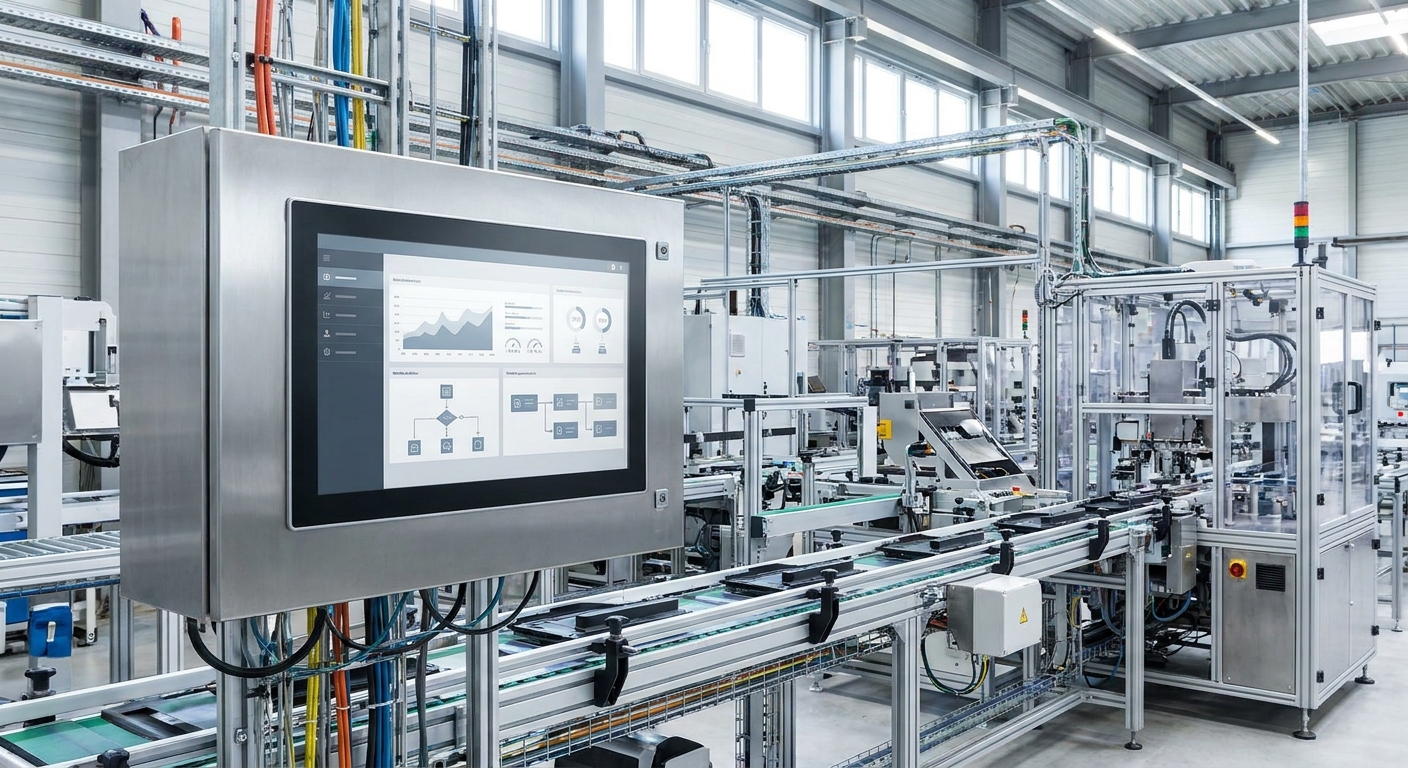
The default we recommend for shop floor work is a locked Chromium kiosk on a mini-PC or industrial tablet, paired with either WebHID or a well-tuned global listener. A scan should never depend on where the operator last tapped.
Scanning is also rarely the whole job. The captured value usually has to reach an ERP, trigger a LINE notification, or update a production schedule. Design that data path before you settle the input method, because the integration surface tends to be the part that drives the architecture.
A short decision path
- You do not control the device: camera scanning with a WASM decoder fallback.
- You control the workstation and need it live this week: keyboard wedge with a programmed prefix and suffix.
- Focus loss is unacceptable and you control the browser: WebHID.
- High-intensity picking on rugged Android: an OEM bridge such as DataWedge.
If you are weighing these options for a shop floor deployment and want a second opinion on the hardware and data path, we are happy to talk it through.
FAQ
Do I need a driver or SDK to read a USB barcode scanner in a browser? Not for keyboard wedge mode. The scanner presents itself as a keyboard and the browser handles the key events like any other input. You do need a device-mode library or your own WebHID code if you want direct device events.
How do I stop scanned data from being typed into the wrong field?
Attach a global listener to document, use inter-character timing to identify a scanner burst, and intercept the input before it reaches whatever element has focus. Programming a prefix and suffix into the scanner makes the detection exact rather than probabilistic.
Does barcode scanning work in Safari and Firefox?
Keyboard wedge works everywhere. Camera scanning works with a WebAssembly decoder in place of native BarcodeDetector. WebHID is Chromium only.
Can I use a Bluetooth scanner with a tablet web app? Yes, though pairing a scanner often hides the on-screen keyboard, since the tablet treats it as a hardware keyboard. Adjust the hardware keyboard setting if operators still need to type.